Page 1 of 1
Using a Canon Camera straight into Open Dental Plugin
Posted: Wed Jun 05, 2019 11:38 am
by Justin Shafer
I am adding the ability to use a Canon Camera with my IOC Snapshot plugin and Open Dental. Since this isn't an intraoral camera and I am giving its own thread?
I just wrote it today, and am still testing it but will include more info soon. If you have already purchased the plugin, this will be free for you.
Workflow: Connect USB Cable to camera, shoot images from the camera.
Images will be taken at full resolution. This old EOS camera is 3888x2592.
Tested the Canon 60D this morning, worked great.
viewtopic.php?f=1&t=6392
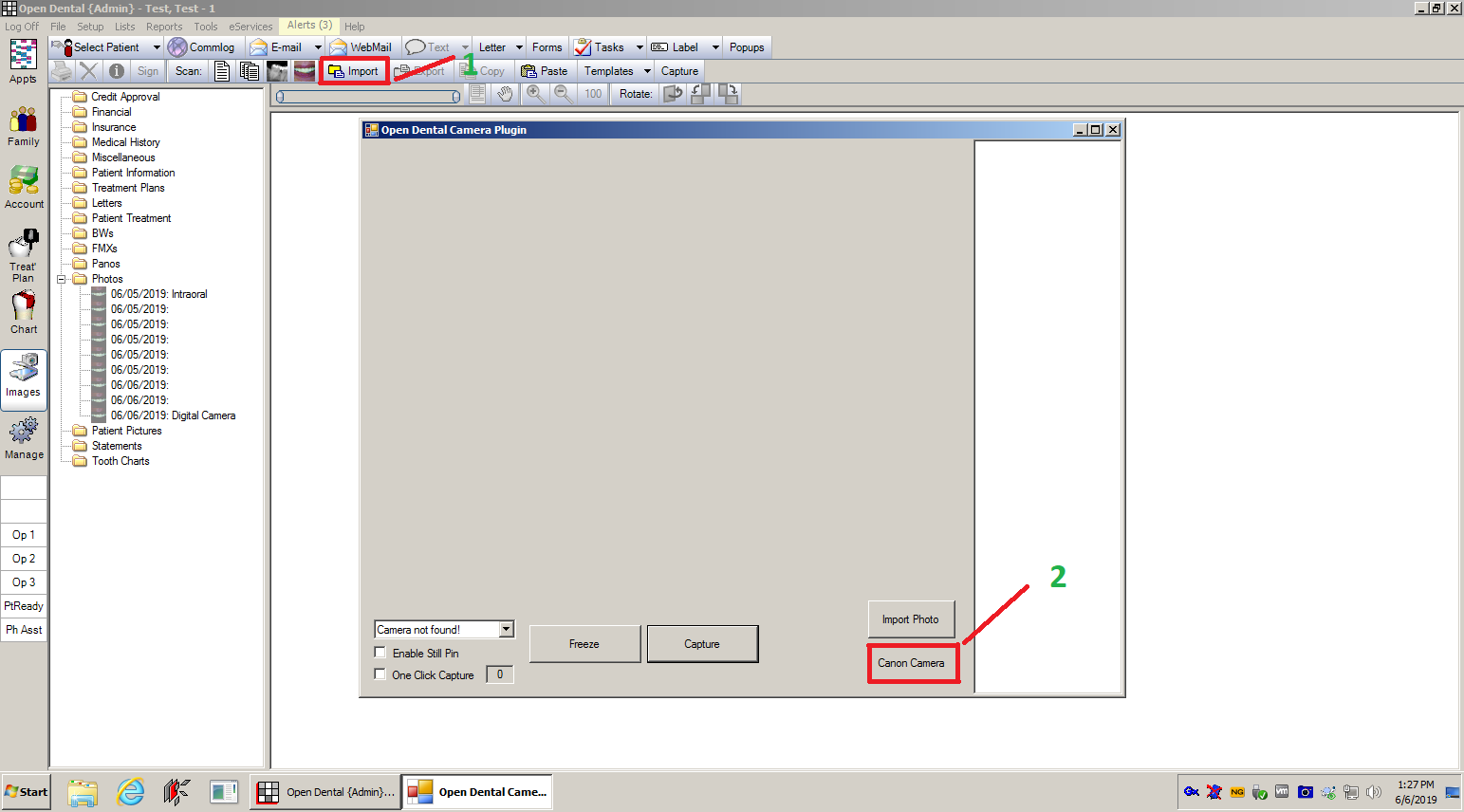
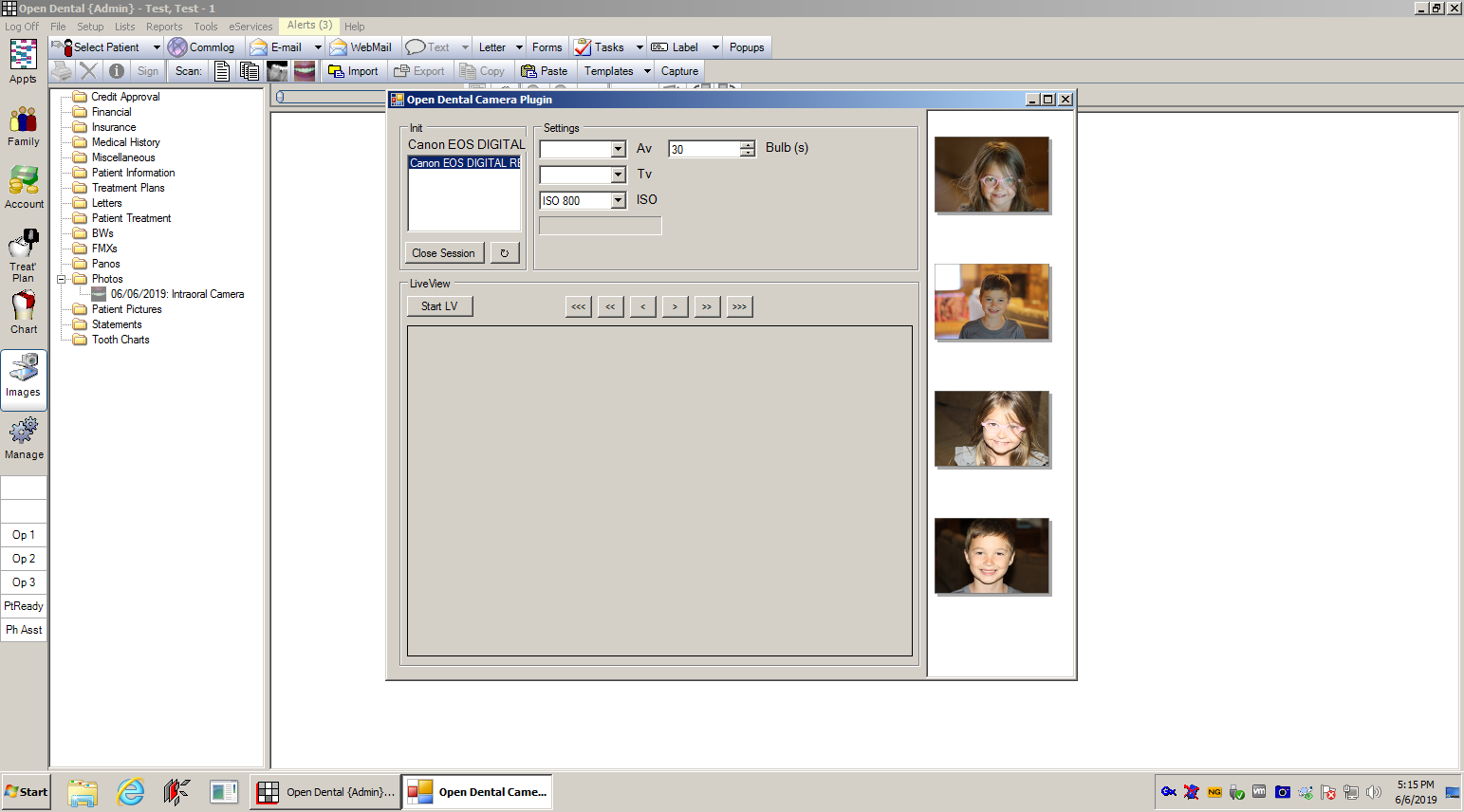
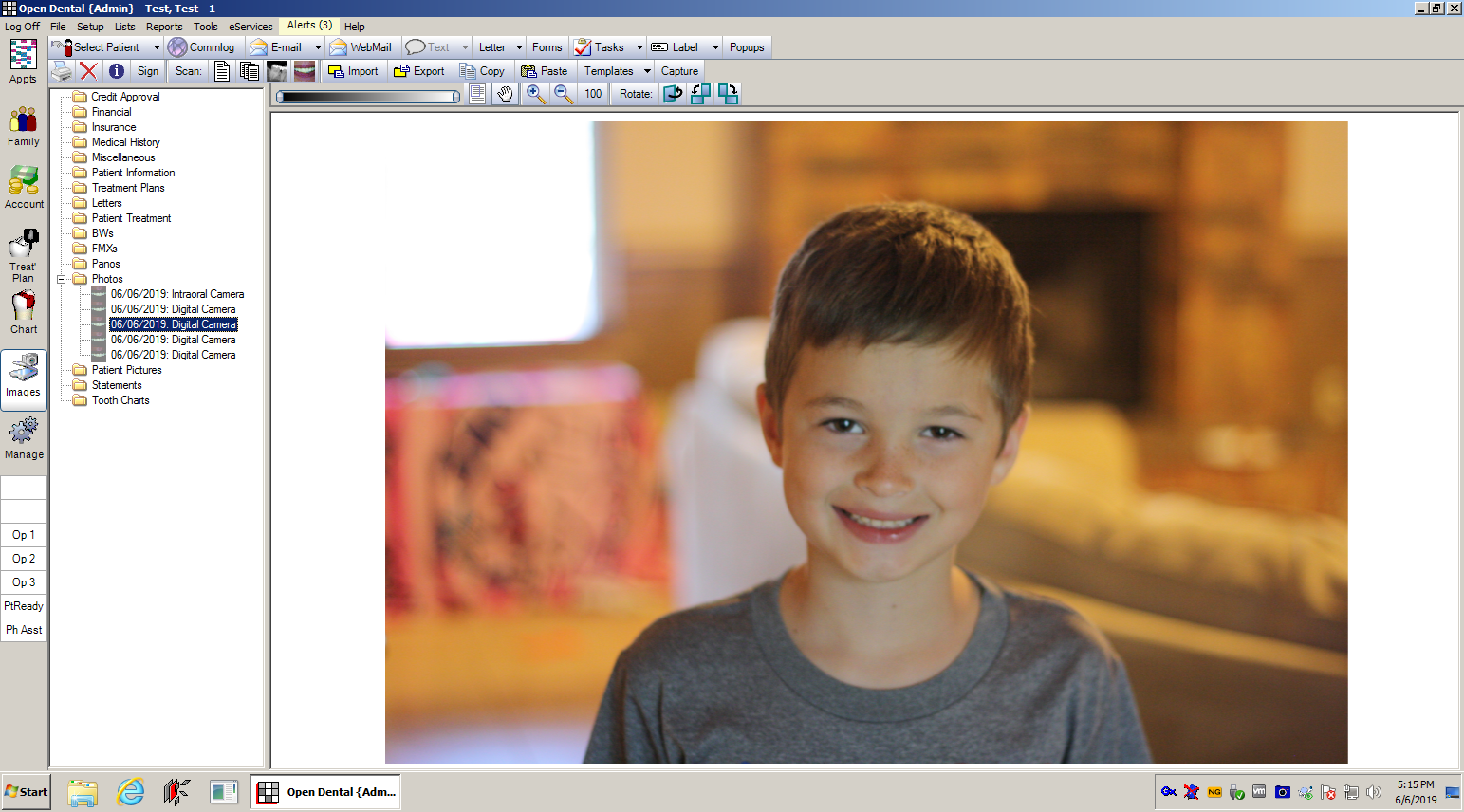
Re: Using a Canon Camera straight into Open Dental Plugin
Posted: Wed Jun 05, 2019 12:47 pm
by trentwolodko
Handy... VERY handy. At this point, OD simply needs to tighten up their imaging module so that it can compete with dedicated imaging apps and it would become a one-stop shop.
Re: Using a Canon Camera straight into Open Dental Plugin
Posted: Thu Jun 06, 2019 3:32 am
by Justin Shafer
Thanks dude! Yeah.. then they get into the X-Ray Filter business... The one in Schick CDR is still my favorite. I think they are bringing that over to Sidexis 4..
Re: Using a Canon Camera straight into Open Dental Plugin
Posted: Sat Jun 08, 2019 12:09 pm
by fmoore3
Hi Justin, I want to be able to have my Canon DSLR photos go directly from an Eyefy card to the open Dexis file for the patient in the chair and or the image file in OD. Can you pull that off?
Re: Using a Canon Camera straight into Open Dental Plugin
Posted: Sun Jun 09, 2019 2:16 pm
by Justin Shafer
I think so.. I thought about using the Eye-Fi system but they made a lot of folks upset when they bricked their older Eye-Fi cards, turning them to just sd-cards. The reason? The older models were "old"..... ?????
But you would create a share on your server, and have the eye-fi card store images there, then go to Dexis and just use the import from file\folder method and manually import the images from the share on the server. I do have an exe file called DexisSnapshot that I use (rarely, and not well tested) for a couple of people that are not licensed to use an Intra-Oral camera. What it does is copy an image to the clipboard and then paste it into Dexis, automatically. So I could probably do something like that.. but.. it's kind of hacky. I do the same thing for Kodak but it works better. But yes, it is doable.
Re: Using a Canon Camera straight into Open Dental Plugin
Posted: Sun Jun 09, 2019 8:56 pm
by Justin Shafer
If you guys really want a wifi sdcard integration.. I would go with the Toshiba Flash Air over the Eye-Fi.. I think I could make Toshiba's work.. but nothing as reliable as a usb cable.

Re: Using a Canon Camera straight into Open Dental Plugin
Posted: Tue Jun 25, 2019 7:06 pm
by Manny Ramirez
I admire this guy. He is always tinkering LoL. That said, why not store the images inside the Imaging software used by the practice. All you need to take intraoral and extraoral images is already there. For me, it makes more sense to store all the image modalities in one location. That way I would know where to find them. This will also make your OpenDentImages too heave for backups. Regardless, Kudo Justin. I am still your fan
Re: Using a Canon Camera straight into Open Dental Plugin
Posted: Tue Jul 02, 2019 7:40 pm
by Justin Shafer
Manny Ramirez wrote:I admire this guy. He is always tinkering LoL. That said, why not store the images inside the Imaging software used by the practice. All you need to take intraoral and extraoral images is already there. For me, it makes more sense to store all the image modalities in one location. That way I would know where to find them. This will also make your OpenDentImages too heave for backups. Regardless, Kudo Justin. I am still your fan
I can also send them to Dexis, Vixwin, Carestream and Apteryx. And soon the iPhone via wifi can send images from its camera as well.
I am working on getting it into the app store.
Re: Using a Canon Camera straight into Open Dental Plugin
Posted: Wed Aug 21, 2019 5:21 pm
by Ashaftel
Justin,
Is there a way to have a photo taken with a canon camera immediately upload to dexis just like intraoral cameras?
We are stuck downloading the photos to the computer and then importing them into dexis.
Thanks
Re: Using a Canon Camera straight into Open Dental Plugin
Posted: Sat Sep 21, 2019 9:02 pm
by Justin Shafer
Ashaftel wrote:Justin,
Is there a way to have a photo taken with a canon camera immediately upload to dexis just like intraoral cameras?
We are stuck downloading the photos to the computer and then importing them into dexis.
Thanks
I have a program I use for people who are not licensed for intraoral camera use.. I call it DexisSnapShot.exe and it is in my IOC Snapshot app.
It works by copying each image to the Windows clipboard and pasting the image into Dexis... sorta.. depends on the version of Dexis... You can give it a try if you like. It works with a Canon.
If I recall, have Dexis open with a patient, and go to the intraoral section of Dexis.. then launch DexisSnapshot.exe and when you close Dexis Snapshot, it will attempt to send the images to Dexis. I know of less then 3 or 4 people that use it.. but it is working for them.
Re: Using a Canon Camera straight into Open Dental Plugin
Posted: Mon Oct 21, 2019 8:30 am
by Third Coast
Justin, is there a way to capture from a Canon directly into XDR software at a set resolution? If so, could it do a continuous "Auto-Capture" of a series of photos as each one is taken?
Re: Using a Canon Camera straight into Open Dental Plugin
Posted: Mon Nov 04, 2019 7:17 am
by babysilvertooth
Question, will all these images make OD very bogged down when accessing or updating or backing up?
I would love to be able to have them in OD for patients and providers to have easy access.
Re: Using a Canon Camera straight into Open Dental Plugin
Posted: Mon Nov 18, 2019 7:09 am
by Third Coast
Justin, in addition to my previous question a couple posts up...I've DL'd and tried the trial IOCsnapshot app for OD capture, and I can't see where I would select the appropriate Canon setting.
-In OD when in Images>Import if my camera is connected via USB it opens the general OS file explorer.
-When the camera is not connected it opens the Open Dental Camera Plugin, and says 'No Intraoral Camera Detected'.
-In the app 'Select Camera' list I've tried several different options, however I don't see one specific to Canon.
-I'm currently trying with a Canon SX740 HS compact camera.
Any help is appreciated.