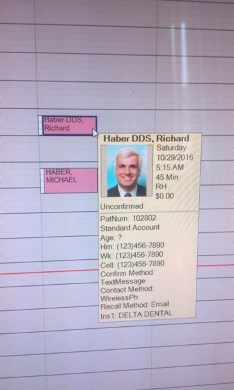
apollonia wrote:how does OD designate the 'default' image to use for each patient, assuming there are multiple images for each patient in the folder?
Fixed!
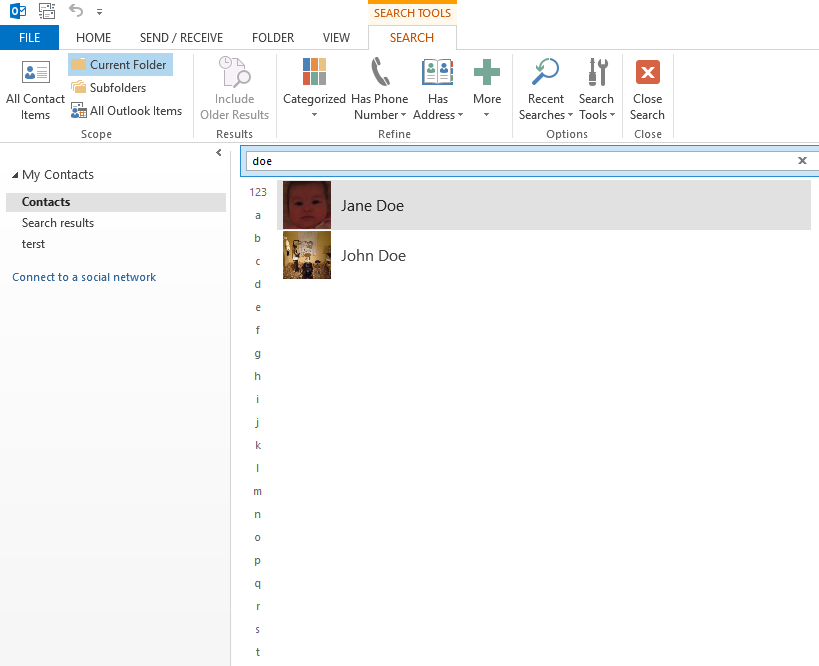
What I came up with.... Website is the Birthday. We can't use the Birthday field for this because the filename has d-m-y and outlook uses d/m/y.. / characters are not allowed in a filename, so the macro used to import won't pick it up. I improvised, so the outlook contact's website WILL be a birthday.. but it works. This can be changed if you don't wont to automate, THEN you have more choice where the fake birthday should go in the contact field. I was using OtherHomeTelephone.
patient query needs more fields, but works.
SELECT 'First Name', 'Last Name', 'Birthday', 'Website' FROM patient LIMIT 1
UNION ALL
SELECT patient.FName, patient.LName, patient.Birthdate, CONCAT(SUBSTRING_INDEX(Birthdate, " ",1)) AS OtherTelephoneNumber FROM patient
INTO OUTFILE 'C:\\Project\\patients.csv'
FIELDS TERMINATED BY ','
LINES TERMINATED BY '\r\n';
photo query!
DROP TABLE IF EXISTS tempused;
DROP TABLE IF EXISTS tempused2;
CREATE TABLE tempused
SELECT CONCAT('C:\\', 'OpenDentImages', '\\', SUBSTRING(ImageFolder, 1, 1), '\\', SUBSTRING_INDEX(ImageFolder, " ",1),'\\', SUBSTRING_INDEX(FileName, " ",1)) AS 'oldpath', CONCAT('C:\\', 'Photos', '\\', SUBSTRING_INDEX(LName, " ",1), ', ', SUBSTRING_INDEX(FName, " ",1), ', ', SUBSTRING_INDEX(Birthdate, " ",1), '.JPG') AS 'newpath', patient.PatNum, patient.FName, patient.LName, patient.Birthdate, document.FileName, patient.ImageFolder, document.DateTStamp AS DateTStamp, document.DateCreated AS DateCreated
FROM patient
LEFT JOIN document ON patient.PatNum = document.PatNum
AND patient.PatNum = document.PatNum
WHERE DocCategory = 190;
CREATE TABLE tempused2 AS
SELECT PatNum.* FROM (SELECT oldpath, newpath, PatNum, FName, LName, Birthdate, FileName, ImageFolder, MAX(DateTStamp) AS DateTStamp, MAX(DateCreated) AS DateCreated FROM opendental.tempused
GROUP BY PatNum) Birthdate INNER JOIN tempused PatNum USING (PatNum, Birthdate, DateCreated);
SELECT CONCAT('copy ', '"', oldpath, '"', ' ', '"', newpath, '" ', '/y' ) FROM opendental.tempused2;
DROP TABLE IF EXISTS tempused;
DROP TABLE IF EXISTS tempused2;
update.bat
@echo off
cd C:\Project
del patients.csv
"C:\Program Files (x86)\MySQL\MySQL Server 5.5\bin\mysql" -u root opendental < C:\Project\patient-query.txt
"C:\Program Files (x86)\MySQL\MySQL Server 5.5\bin\mysql" --raw -sN -u root opendental < C:\Project\photo-query.txt > c:\Project\copyphotos.bat
CALL C:\Project\copyphotos.bat
del c:\Project\patients /f /s /q
rmdir c:\Project\patients
convert_vcf.exe
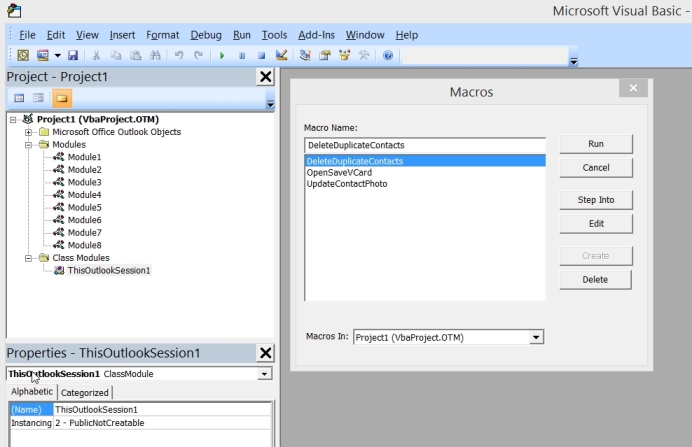
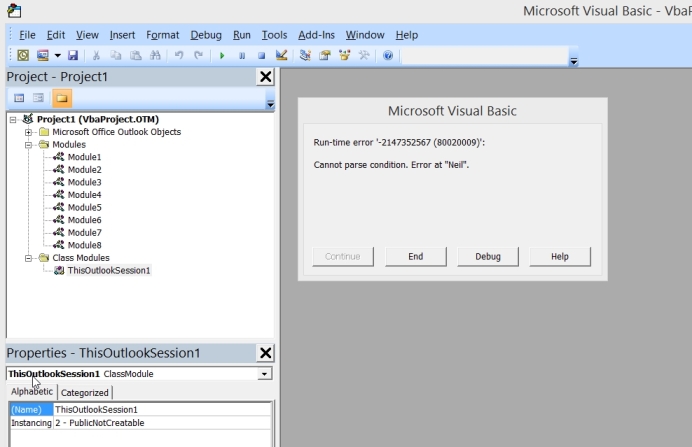
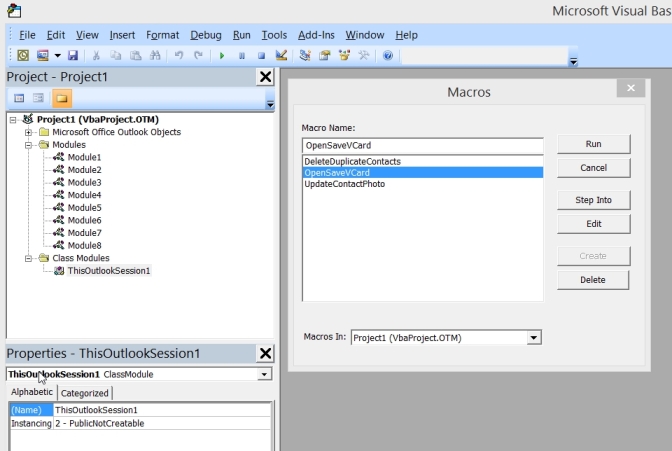
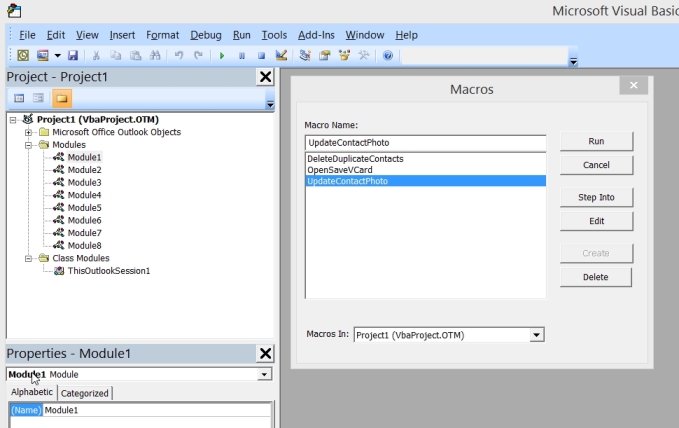
then outlook macros run
1. Imports contacts.
2. Deletes duplicates
3. updates photos
Whole thing can be scheduled.... update.bat with task scheduler... and then in outlook add the macros and create the task, and then create a reminder for that task.
Only thing I can't fix: If you have a patient that changes their first or last name, they WILL be duplicates. At some point you may want to clear out your contacts and start over... maybe make a seperate contact folder just for Open Dental patients and tell your outlook\phone system application to use that contact folder.
It is better to manually import the patient.csv file into outlook, it will be much faster. Also, not sure how much space this could use in your pst file. AND then there is all that PHI.

COMPLICATED!